
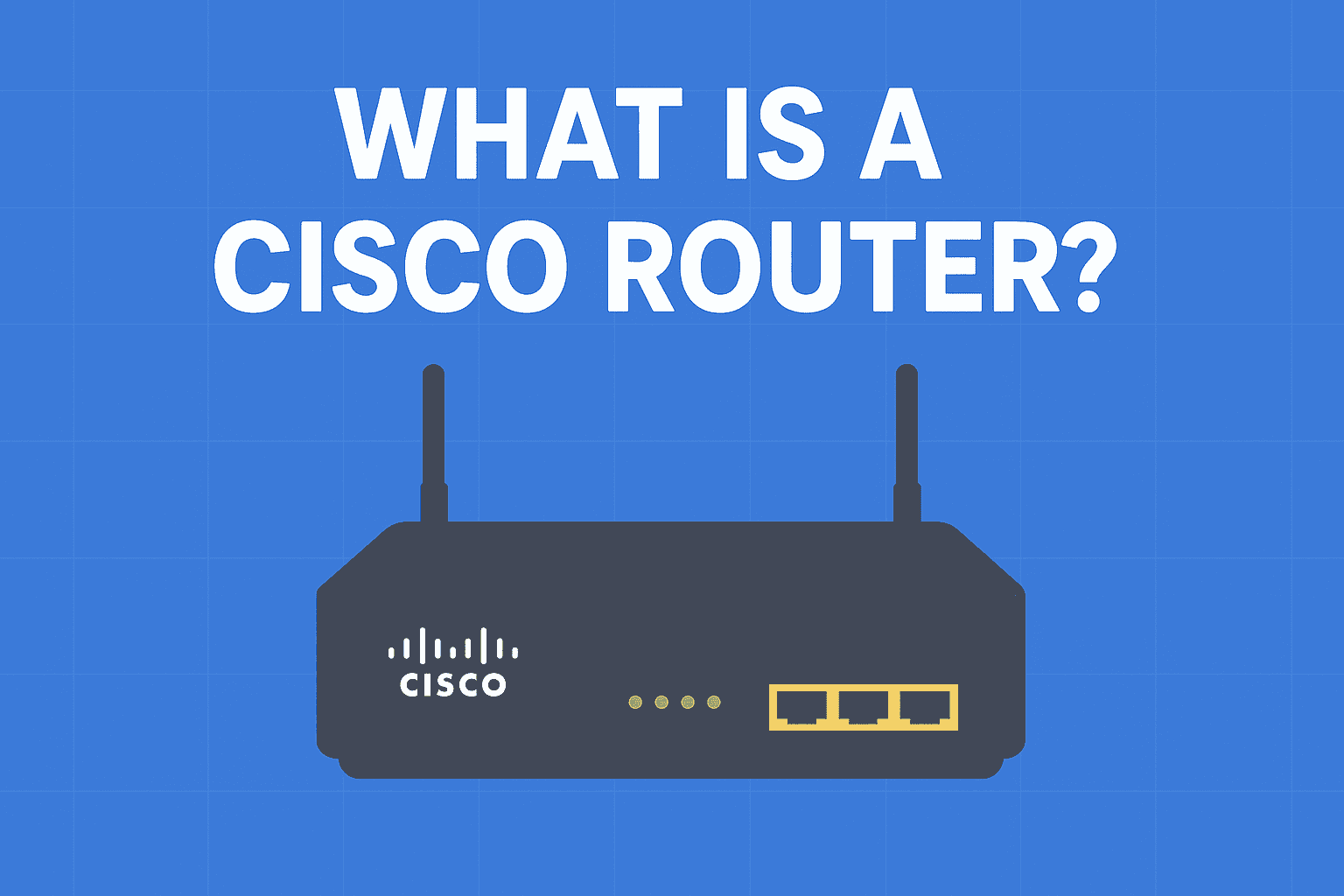
What is Cisco Router in Networking?
Routers are the backbone of the internet and enterprise networks. Among all brands, Cisco routers remain the most popular choice in businesses, ISPs, and data centers. If you are new to networking, you might be wondering — What is a Cisco router and why does it matter so much?
Let’s explore in detail.
🔹 What is a Cisco Router?
A Cisco router is a specialized networking device manufactured by Cisco Systems. It connects multiple networks, forwards data packets, and ensures smooth communication between devices.
Unlike home routers, Cisco routers serve professional environments such as enterprises, ISPs, universities, and government networks. Moreover, they deliver advanced features like:
-
High security with firewalls, VPNs, and intrusion prevention
-
Scalability to support large and growing networks
-
High-speed data routing for heavy workloads
-
Redundancy and failover options to guarantee uptime
👉 For more technical details, you can check the Cisco Official Website.
🔹 Why Are Cisco Routers So Popular?
Cisco dominates the networking industry because of its reliability, security, and performance. In fact, several factors explain why companies prefer Cisco routers:
-
Enterprise-Grade Performance – They handle massive traffic without failure.
-
Advanced Security – Built-in firewall, VPN, and IPS features protect networks.
-
Scalability – They expand as businesses grow.
-
Global Support – Cisco provides worldwide technical support and certifications such as CCNA and CCNP.
Therefore, many IT managers rely on Cisco routers for long-term stability.
🔹 Types of Cisco Routers
Cisco offers a wide range of routers. Each type serves a specific networking environment:
-
Branch Routers → Designed for small and medium offices (e.g., Cisco 800 Series).
-
Edge Routers → Connect ISPs and enterprises to the internet backbone.
-
Core Routers → Deliver high performance for data centers.
-
Virtual Routers → Run as software in cloud or virtual machines.
As a result, businesses can choose a model that matches their needs.
🔹 Use Cases of Cisco Routers
Different organizations actively deploy Cisco routers in real-world scenarios:
-
ISPs → They use Cisco routers to handle millions of user connections.
-
Corporates → Companies rely on them for secure and reliable office connectivity.
-
Data Centers → These routers provide high-speed backbone routing.
-
Educational Institutions → Universities use them to manage large campus networks.
🔹 Cisco Router vs Normal Router
| Feature | Cisco Router | Normal Router (Home) |
|---|---|---|
| Performance | Enterprise-level, high throughput | Basic, limited speed |
| Security | Advanced (firewall, VPN, IPS) | Basic WPA2 & firewall |
| Scalability | Supports thousands of devices | Limited to few devices |
| Cost | Expensive | Affordable |
Clearly, Cisco routers go far beyond the capabilities of a home router.
🔹 Should You Learn Cisco Routers?
If you are building a career in networking or IT, you should learn Cisco routers. Cisco certifications such as CCNA and CCNP train you to configure and troubleshoot these devices.
👉 You can begin with Cisco Networking Academy, which provides both free and paid courses.
In addition, simulators like Cisco Packet Tracer allow you to practice configurations without buying real hardware.
✅ Conclusion
A Cisco router is more than just a piece of hardware; it acts as the core of enterprise and ISP networking. From ensuring fast and secure internet to enabling large-scale communication, Cisco routers remain trusted worldwide.
Therefore, if you want to grow your career in networking, start by learning how Cisco routers work and how to configure them.
🔗 Internal Links
❓ FAQs on Cisco Routers
Q1. Is Cisco router good for home use?
Cisco routers are enterprise-grade. Consequently, they are too expensive and complex for home use.
Q2. Which is the most popular Cisco router series?
The Cisco ISR (Integrated Services Router) series remains one of the most widely used in branch offices and enterprises.
Q3. How do I configure a Cisco router?
You configure Cisco routers using the CLI (Command Line Interface). For example, beginners can practice using Cisco Packet Tracer.
Q4. What is the difference between Cisco router and switch?
A router connects different networks, whereas a switch connects devices within the same network.